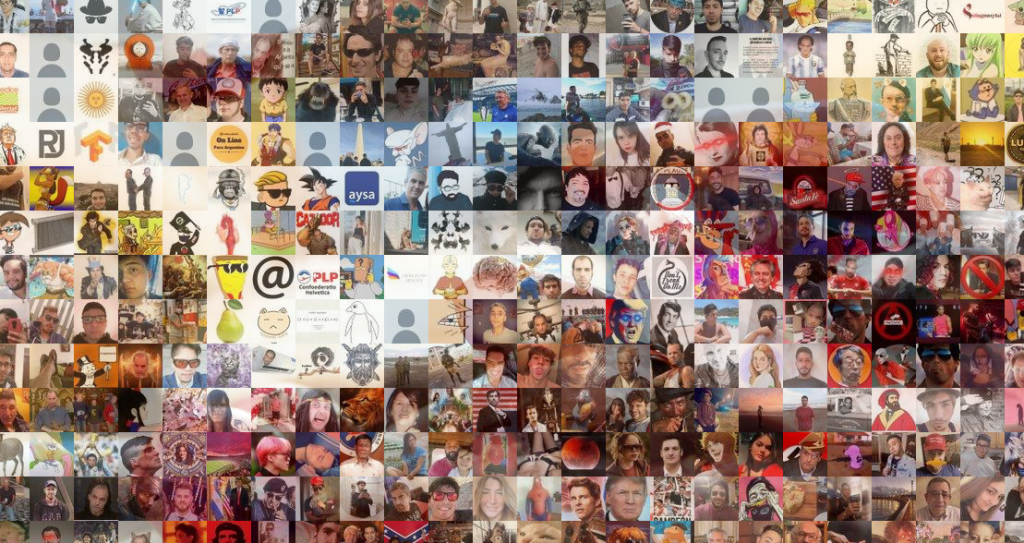
After completing an Udemy Python course, I began experimenting with the idea of image manipulation techniques. I also practiced Jupyter Notebook usage.
This app needs two inputs:
- A base image.
- Thousands of small square images.
It will create a mosaic using average RGB value of each small image to fit in corresponding base image pixel.
Let’s see an example
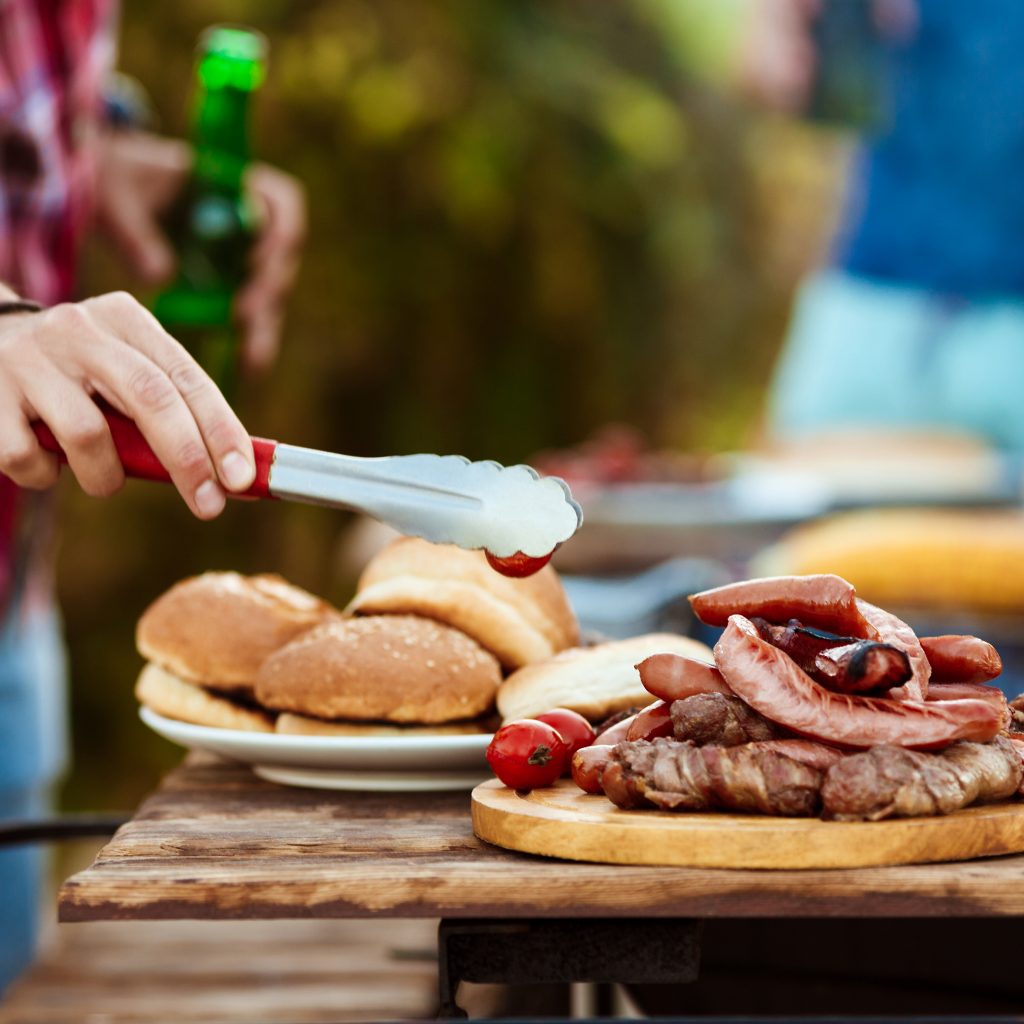
I’ll use this barbacue sample image.
Juypter Notebook will load it, pixelate it and get every pixel RGB value.
Next I’ll load a folder with 2400+ 48×48 images, convert them to RGB jpg, and also load them to memory.
Finally I’ll choose a rendering method, between XY, RADIAL or RANDOM.
These methods takes every pixel RGB value from base image (barbacue), and then it selects most matching average RGB image small image to fit in.
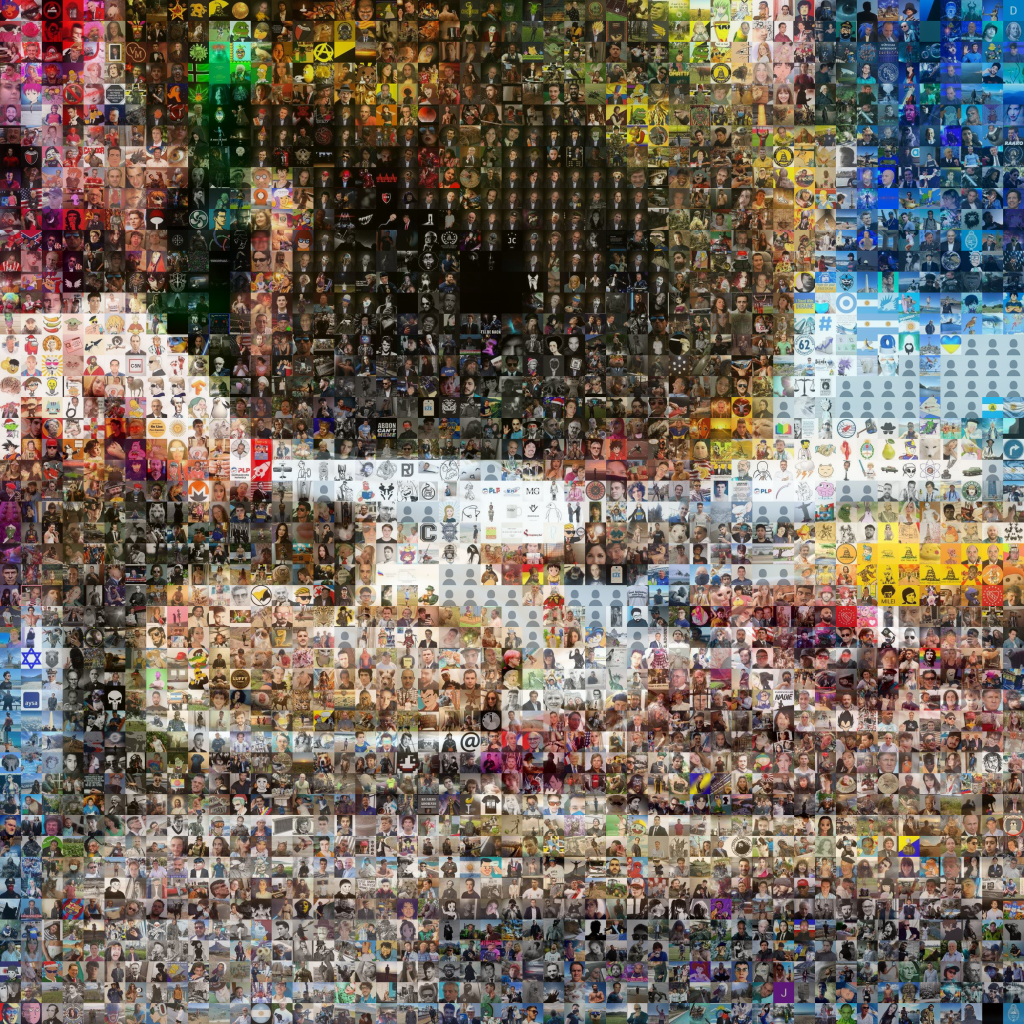
XY
Not the best one, but it was the first I experimented with, so here it is.
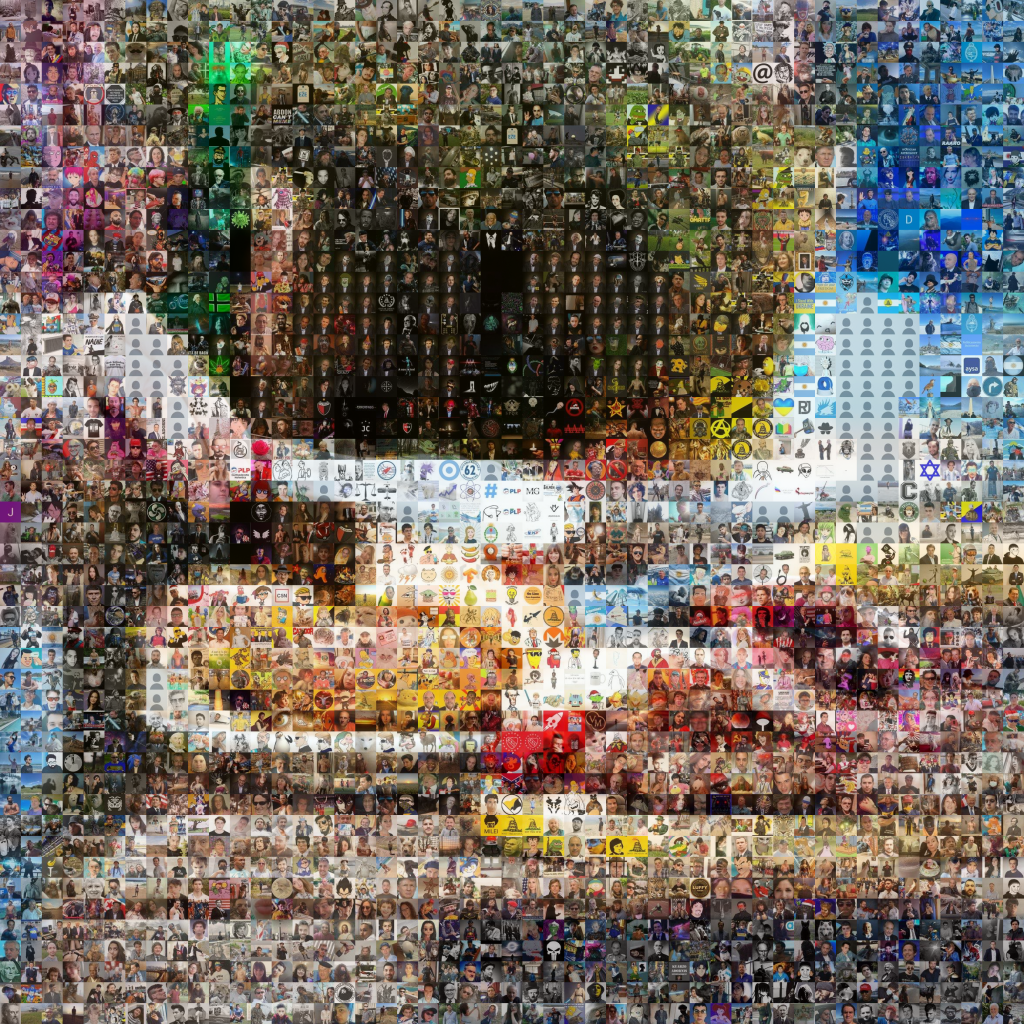
Radial
Best for central focused images, faces, or anything with centered subject.
Random
Suitable for almost any situation, non matching images will get distributed evenly.
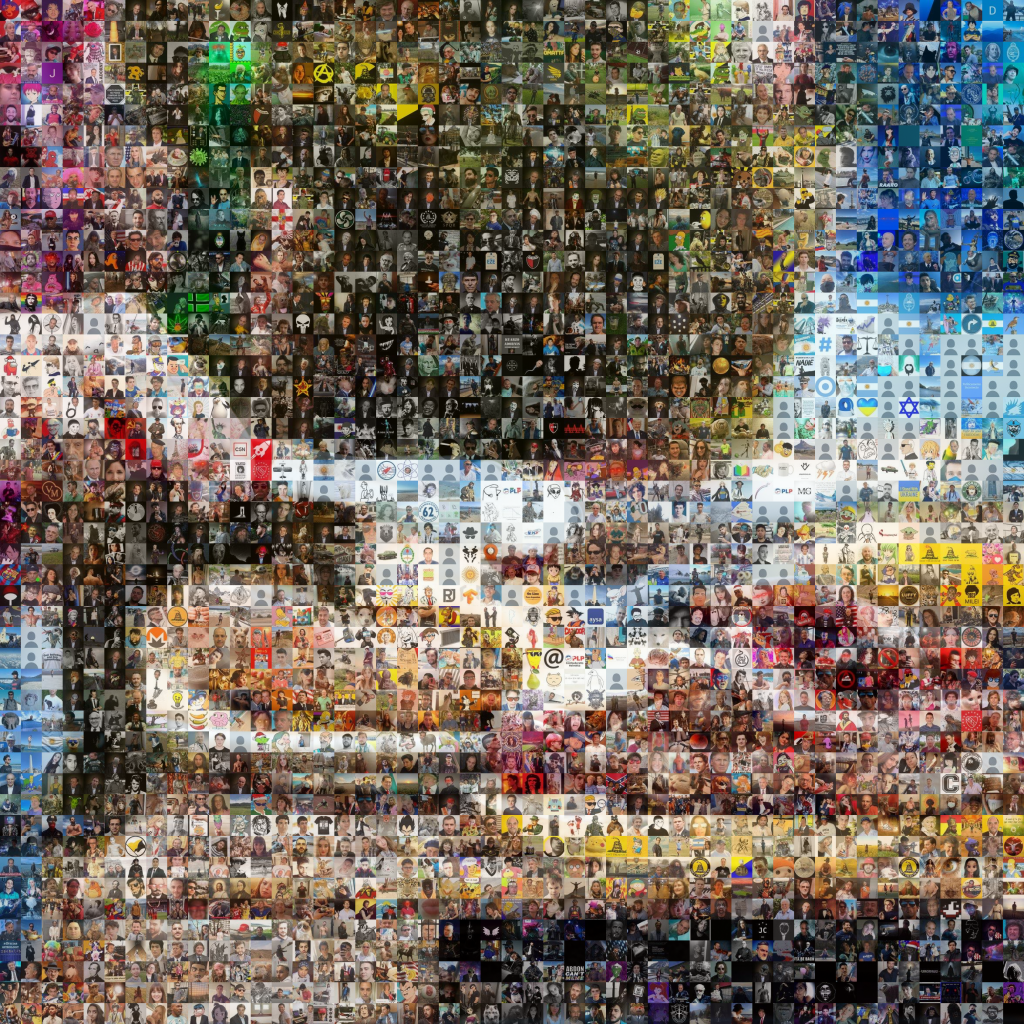
Here is a detail from the central part, from RANDOM method. (48×48 images are Twitter avatars)